Customer Details - Info, Contact Result, History and Media in ConvyAI
Overview
The Customer Details panel is on the right side of the Conversations Area. It shows all information about the customer of the currently selected task, organized into four tabs.

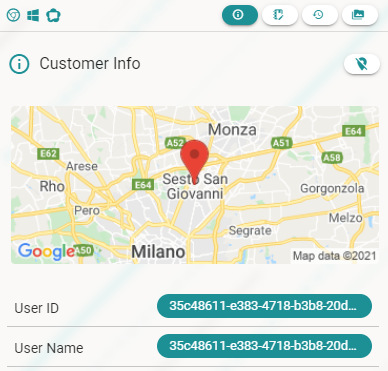
Customer Info
The Customer Info tab shows all available data about the customer: their location, the channel they used to contact you, and any other parameters passed during the handover.
Contact Result
The Contact Result tab lets you record the outcome of the conversation. Select a category (up to three levels of depth) and optionally add a free text note.
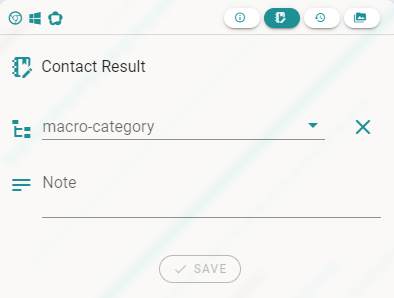
If Contact Result is set as mandatory for the queue, you must fill it in before you can fully close the task. The Resolve button flow handles this automatically.
Surveys
If your administrator has configured a survey for the queue, the Surveys tab appears before you can archive a completed conversation. Surveys help monitor the quality of customer service.
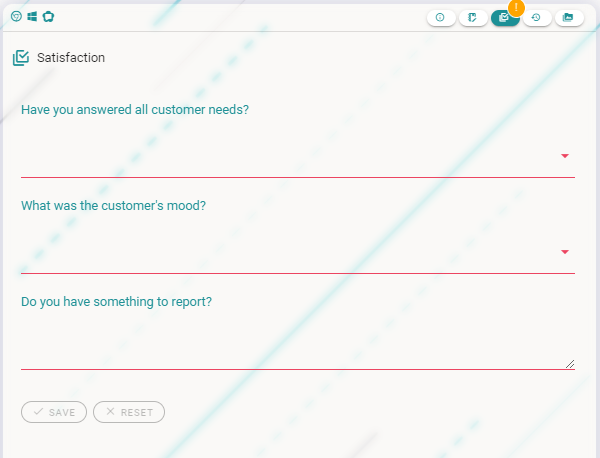
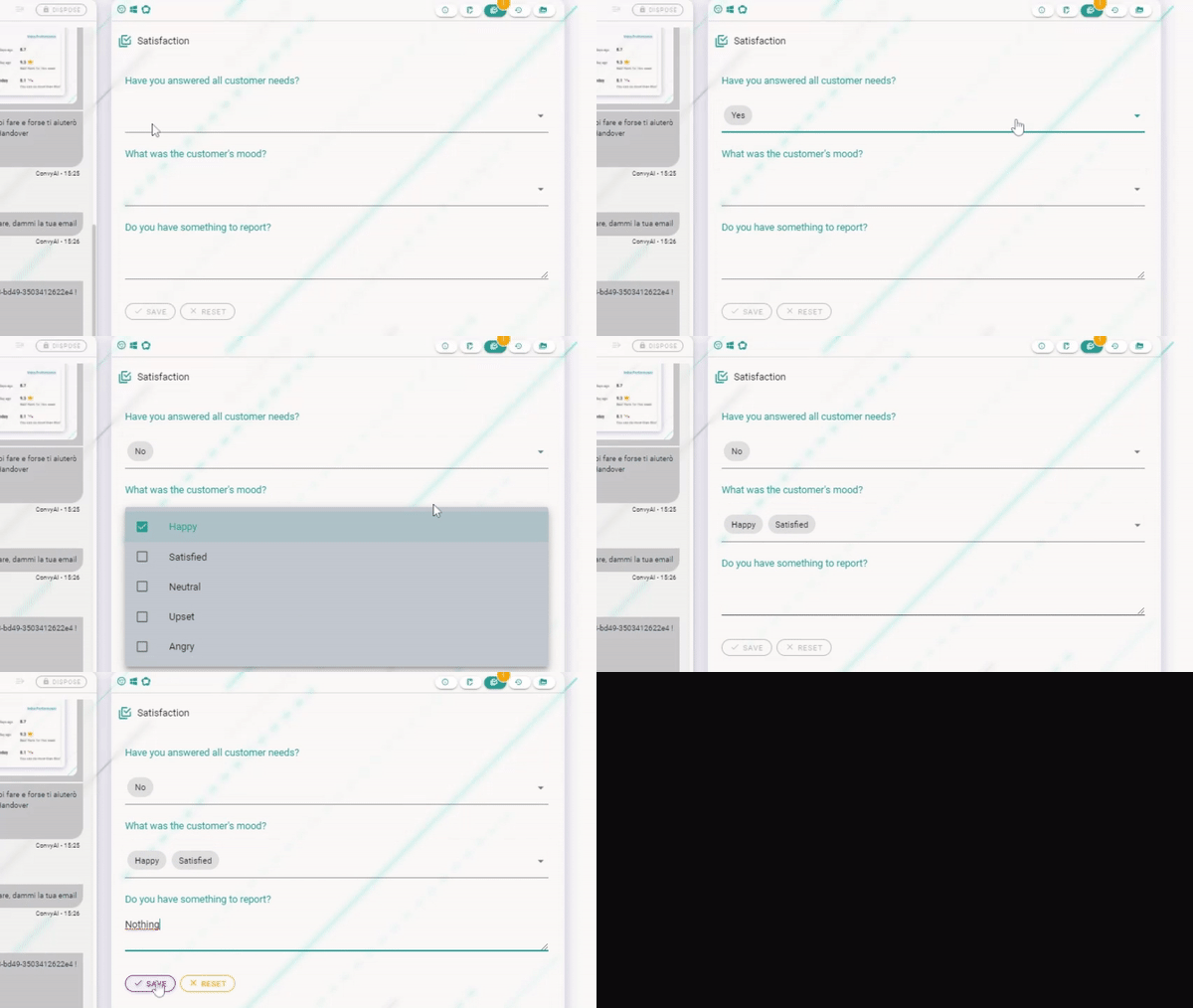
Survey questions can have three types of answers:
- Single choice - select one option from a list
- Multiple choice - select one or more options
- Free text - type your answer
Customer History
The Customer History tab shows all previous conversations with the same customer. Use it to understand the customer's past interactions before asking them to explain their issue again.
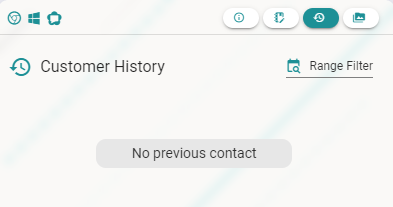
To find a specific conversation, apply the date filter to narrow down the results.
Media Repository
The Media Repository tab shows all files shared during the current conversation: images, documents, PDFs, recordings, screenshots, and any other media sent by the customer or by you.
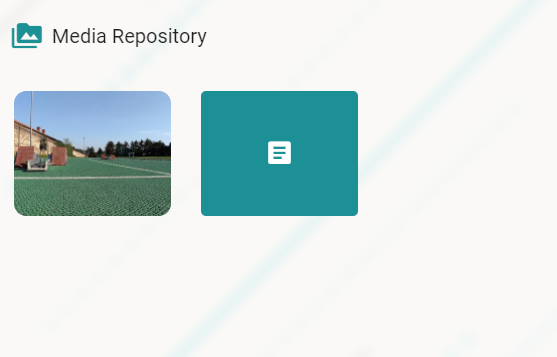
All files in the Media Repository are scanned by the anti-malware service before being made available for download.