Login - Access the ConvyAI Agent Desktop
Overview
The ConvyAI Agent Desktop is a web application. You access it by typing the application URL into your browser's address bar. No installation is required.
Supported browsers
The Agent Desktop is supported on the following browsers. Always use one of the last three versions of each browser for the best experience.
| Browser | Supported versions |
|---|---|
| Google Chrome | Latest 3 versions |
| Microsoft Edge | Latest 3 versions |
| Mozilla Firefox | Latest 3 versions |
How to log in
- Open a supported browser and navigate to the Agent Desktop URL provided by your system administrator.
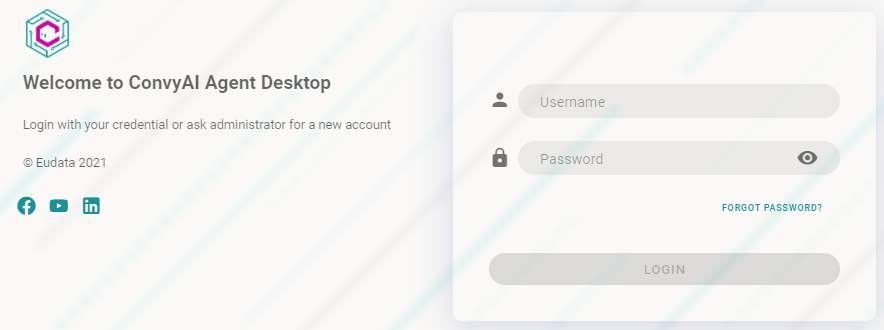
- Enter your username and password in the login form. These credentials are created in the Agents section of ConvyAI and provided to you by your system administrator.
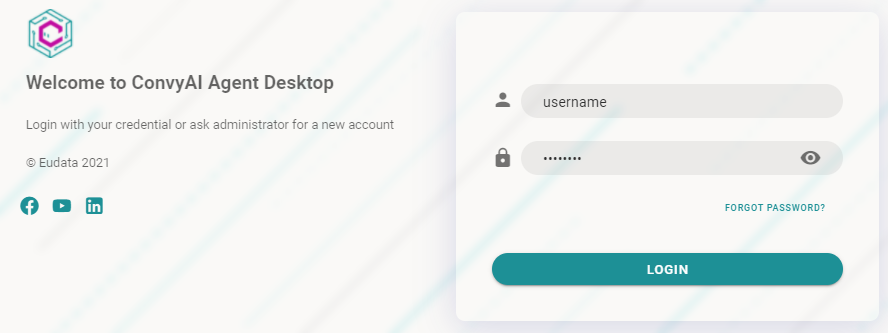
- Once both fields are filled in, the Login button becomes active. Click it to access the Agent Desktop.
note
If you forget or lose your credentials, contact your system administrator. There is no self-service password recovery on the login screen.