Contact Lists - Build and Manage Outbound Contact Lists in ConvyAI
Overview
The Contact Lists section is where you create and manage the contact lists used in outbound campaigns. Lists can be built from CSV uploads, derived from existing records, or constructed using search filters applied to your current contact database.
Navigate to Outbound → Contact Lists.
Create a contact list
Click the + button to open the list creation form.
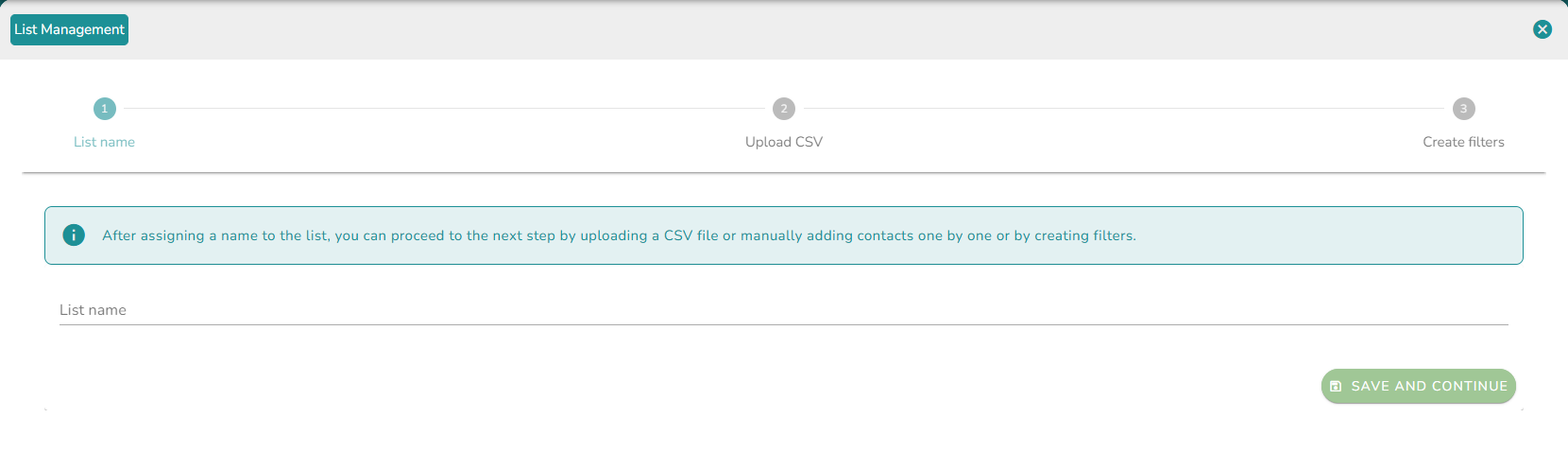
Step 1 - Name the list
Enter a name for the list and save it.
Step 2 - Upload contacts
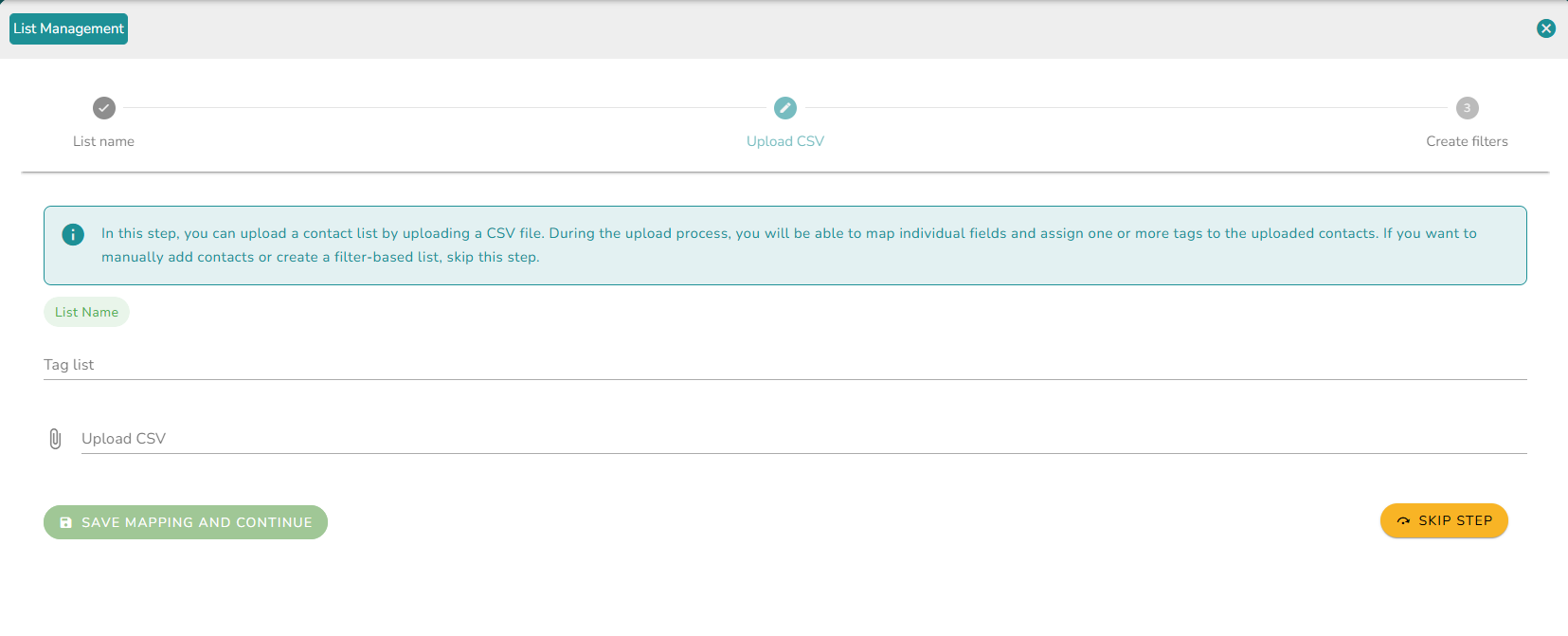
After naming the list, upload your contacts via CSV file. Tags can be added to identify and segment contacts within the list.
The CSV file can be in any format. The tool provides a field mapping step where you match each CSV column to the corresponding system field. A whatsapp_userId (BSUID) field is available for mapping, alongside phone, letting you include WhatsApp users who only expose a username. You can also register additional custom data from the CSV and assign it a name to reference later in campaigns.
This step can be skipped if you prefer to add contacts manually or from existing records.
Step 3 - Alternative list sources
Instead of uploading a CSV, you can also:
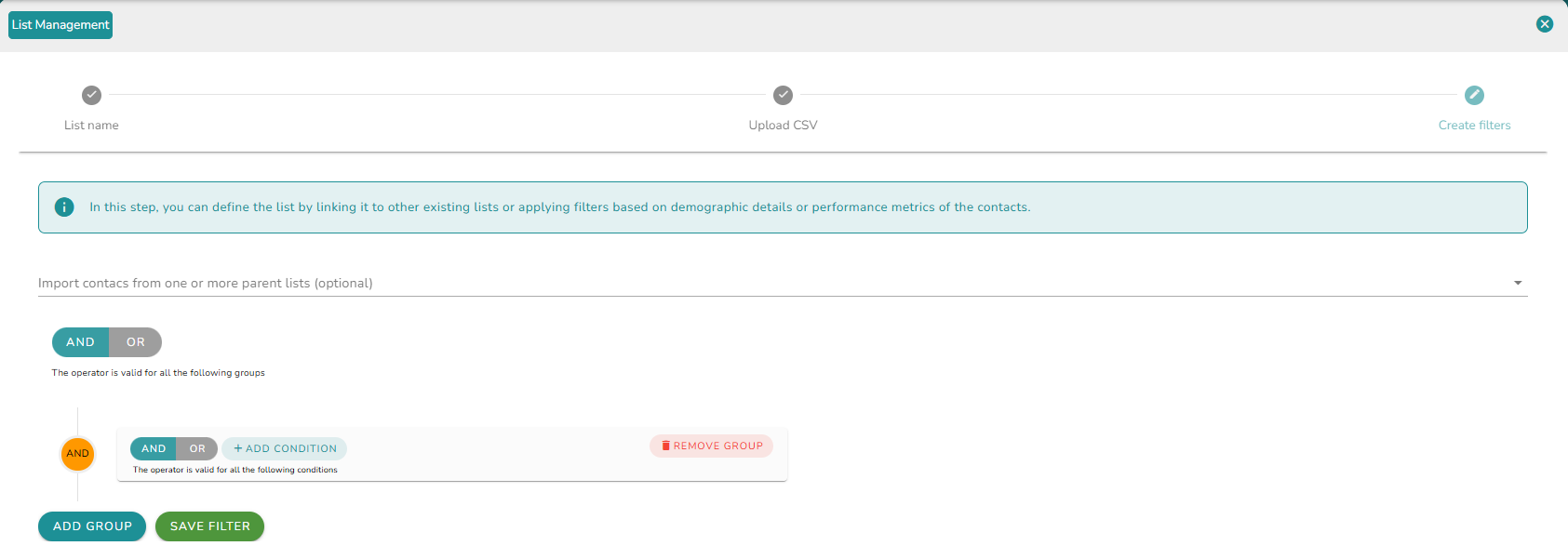
- Create lists from source lists - Derive a new list from one or more existing contact lists.
- Create lists by search - Build a list by performing searches directly against existing records in the database.
Step 4 - Save and review
Once the contacts are mapped or the source is configured, save the list. The list is created and becomes available for use in campaigns.
Manage a contact list
After creation, each list supports the following operations:
- View contacts - Browse the list of contacts.
- Upload CSV - Add more contacts to an existing list.
- Create filters - Apply filters to segment contacts within the list.
- Delete - Remove the list permanently.
Sort and search
Lists can be sorted by:
- Last update
- Name
- Subscribers
A text search field is also available to quickly locate a specific list.