Comet - Campaigns
Campaigns List
The main view of the Campaigns section shows all campaigns. Each row displays the campaign name, active time frame, and success rate. Use the actions column to change campaign status.
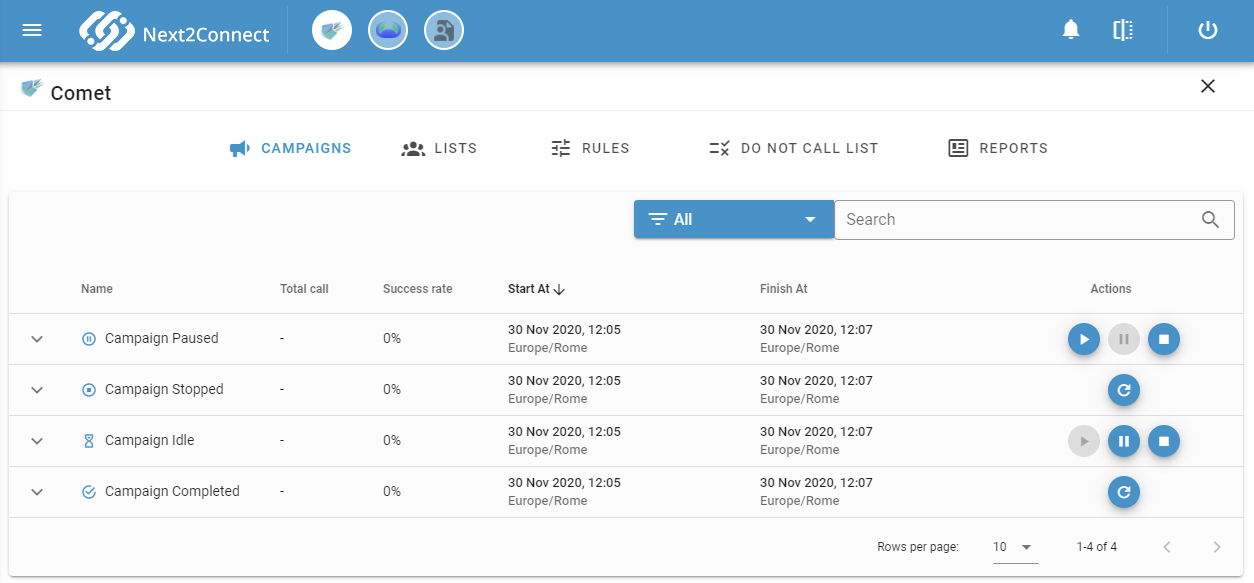
Expand any row to see more campaign details.
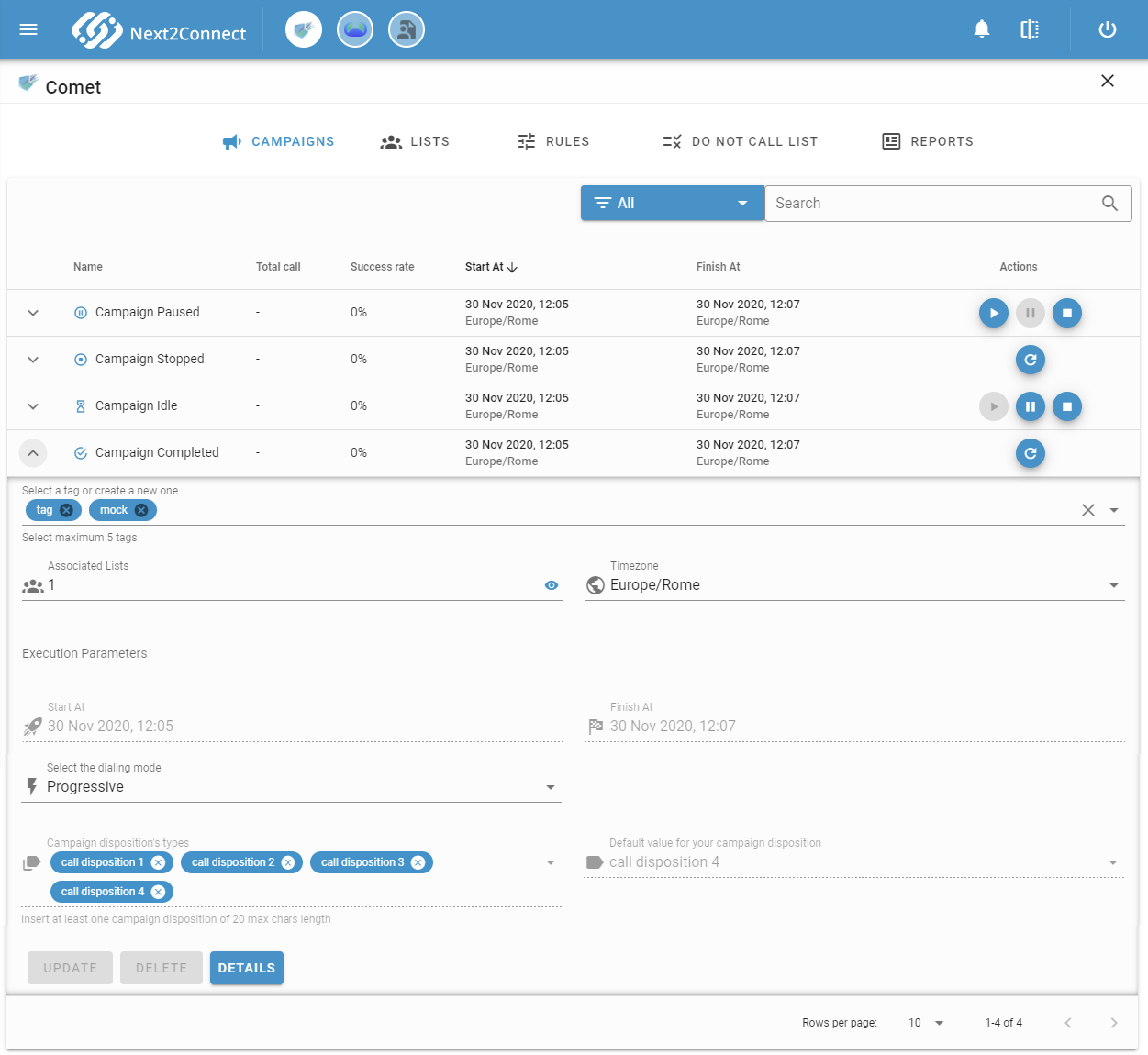
While a campaign is scheduled or running, you can modify a subset of settings without stopping it:
- Dialing mode and overdialing percentage (Power mode) - changes take effect in near real time.
- Campaign disposition - labels and the default value can be updated.
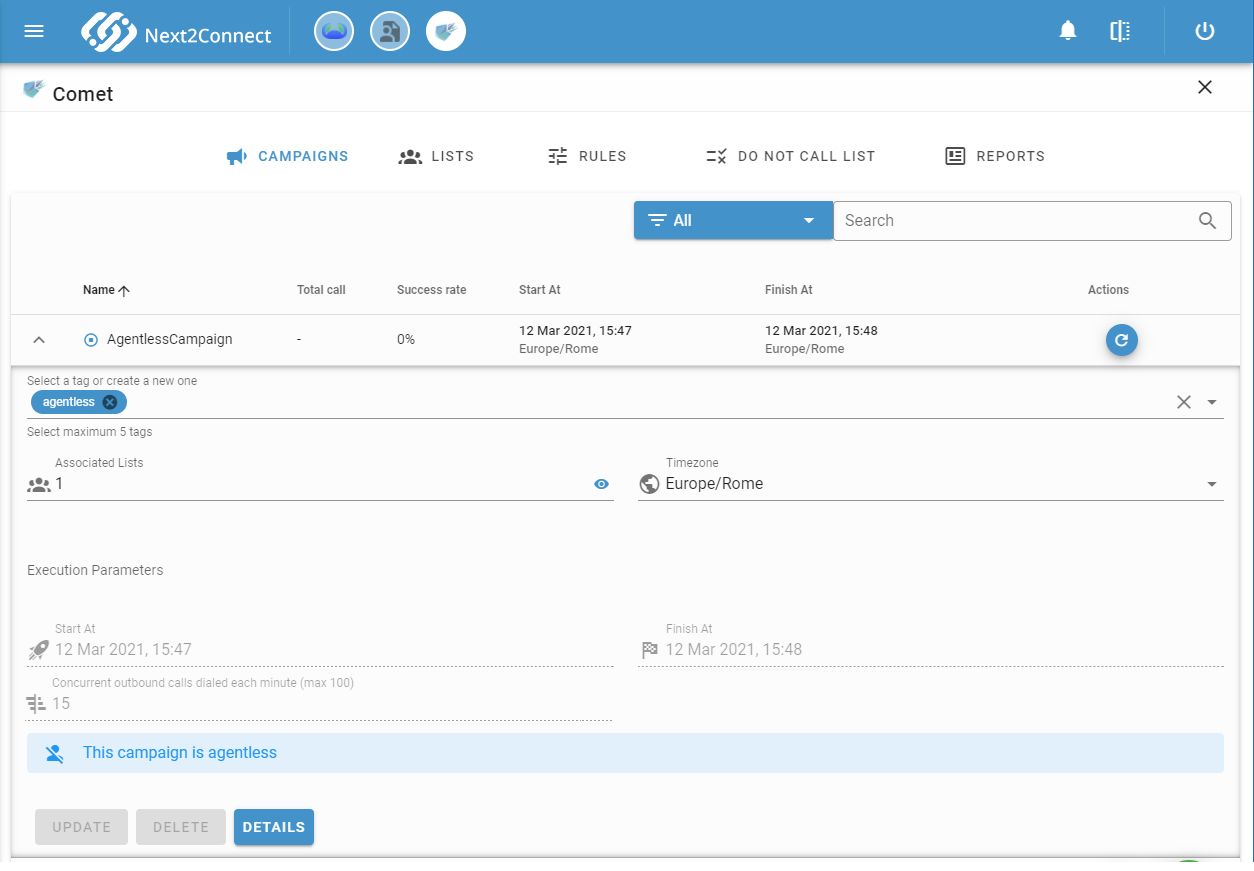
For agentless campaigns, the only editable parameter is the number of concurrent lines.
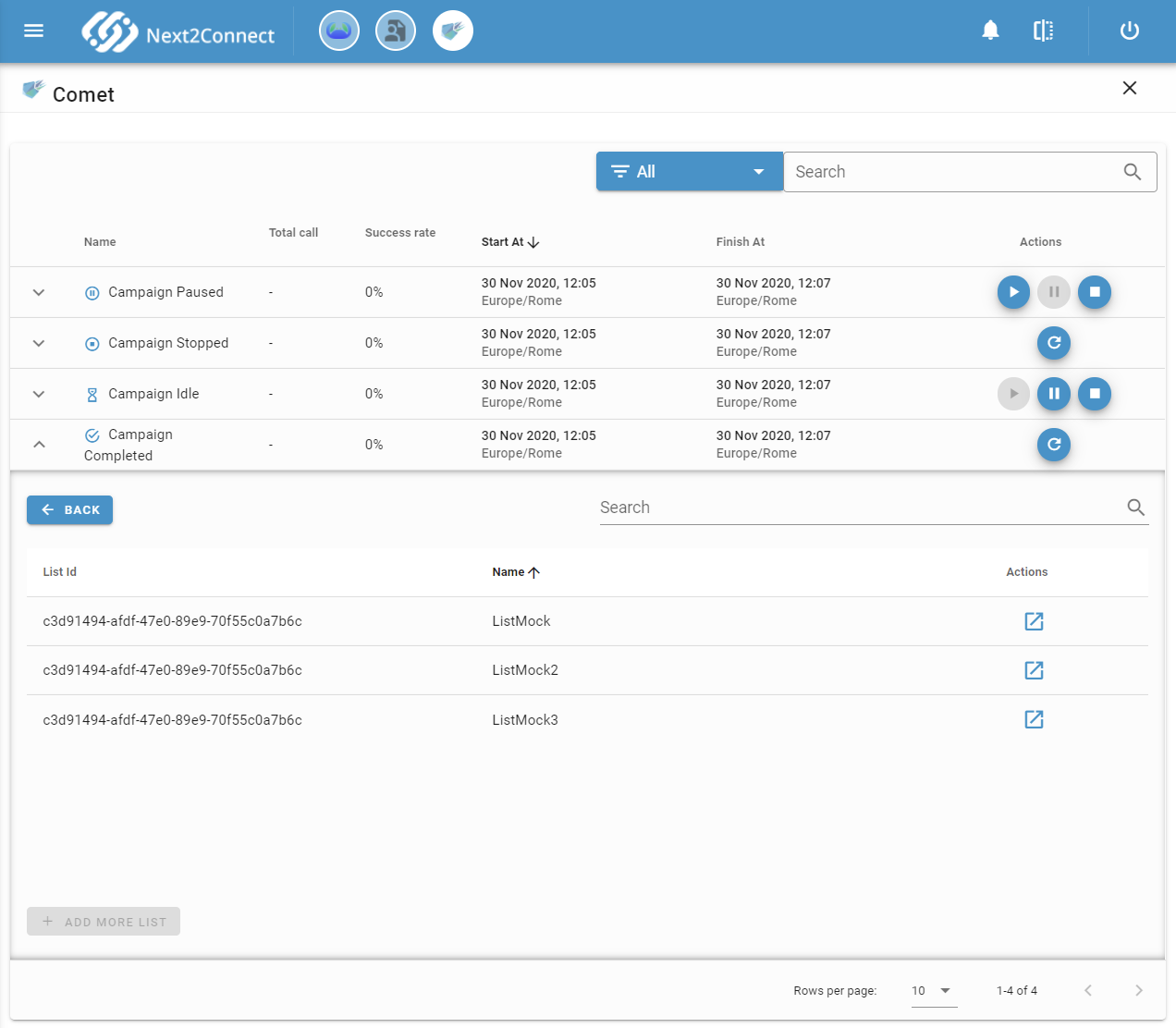
Click the eye icon to view the lists associated with the campaign and navigate directly to them in the Lists section.
Click Details to view the campaign creator, unique ID, and last update timestamp.
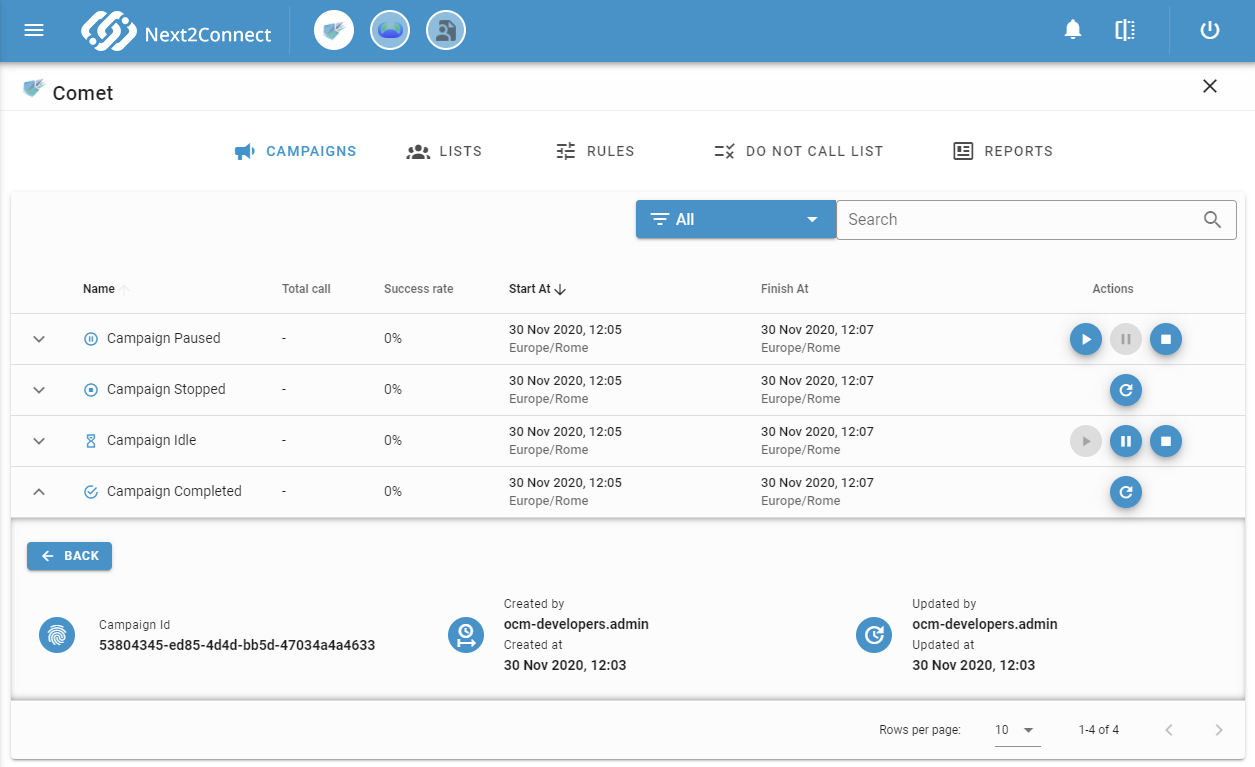
Campaign Status
A campaign moves through the following states during its lifecycle:
| Status | Description |
|---|---|
| Idle | Campaign created and ready - waiting for the scheduled start date |
| Started | Dialer is actively engaging contacts. Can be paused or stopped |
| Paused | Dialer is suspended. Campaign can be resumed at any time |
| Stopped | Campaign manually stopped - no more calls are scheduled. Can be rescheduled |
| Completed | All contacts have been called or the finish date has passed. Can be rescheduled |
Use the search bar and filter above the table to filter campaigns by status, or by the following groups:
| Filter | Includes |
|---|---|
| Active | Idle, Started, Paused |
| Not Active | Stopped, Completed |
Reschedule a Campaign
When a campaign is in Completed or Stopped status, click the reschedule button in the actions column to extend its validity window.
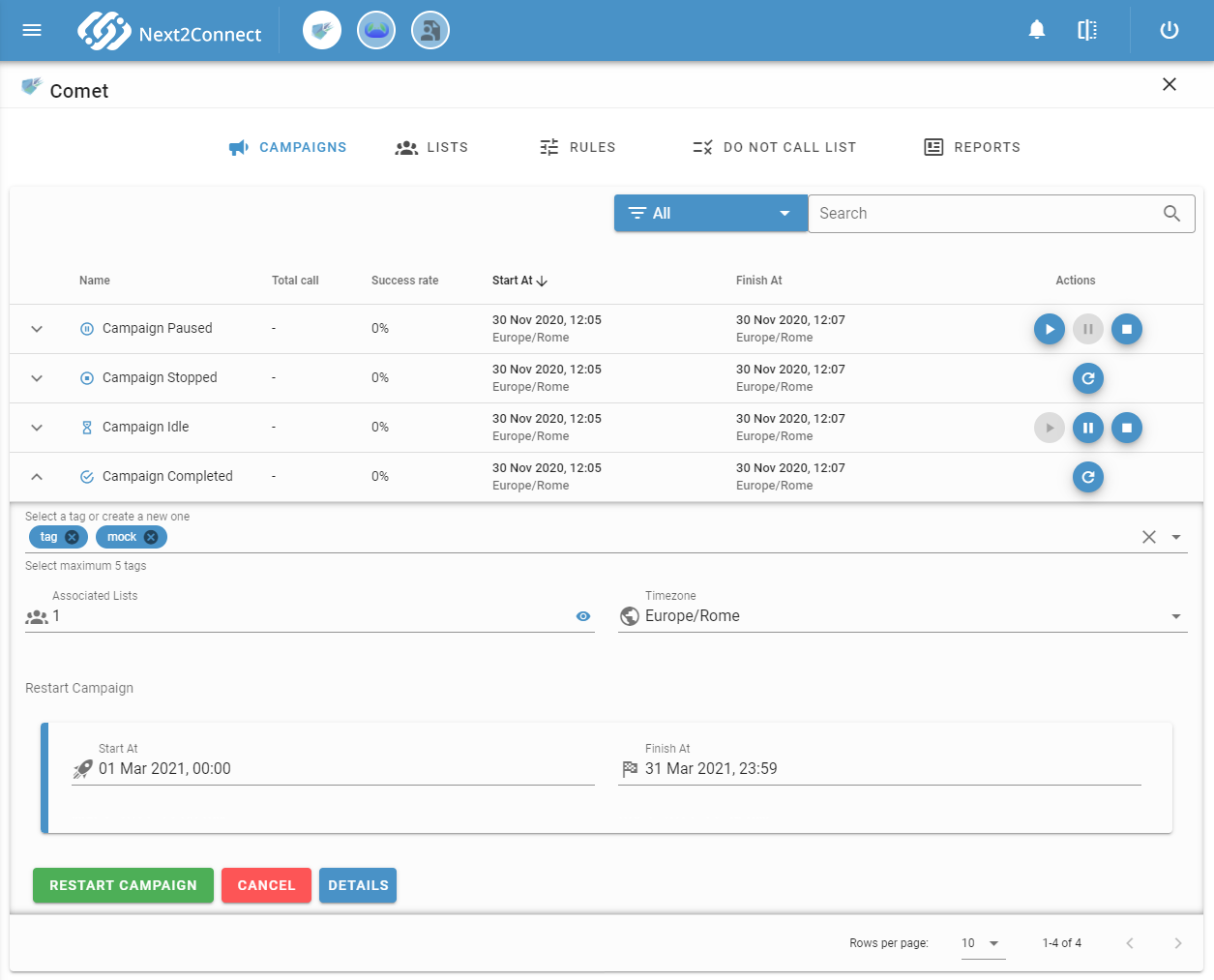
All contacts that were not reached in the previous run are automatically re-queued as new contacts, following the engagement rules assigned to their lists. Contacts eligible for re-queuing include:
- Abandoned
- Disconnected
- Failed
- Blacklisted