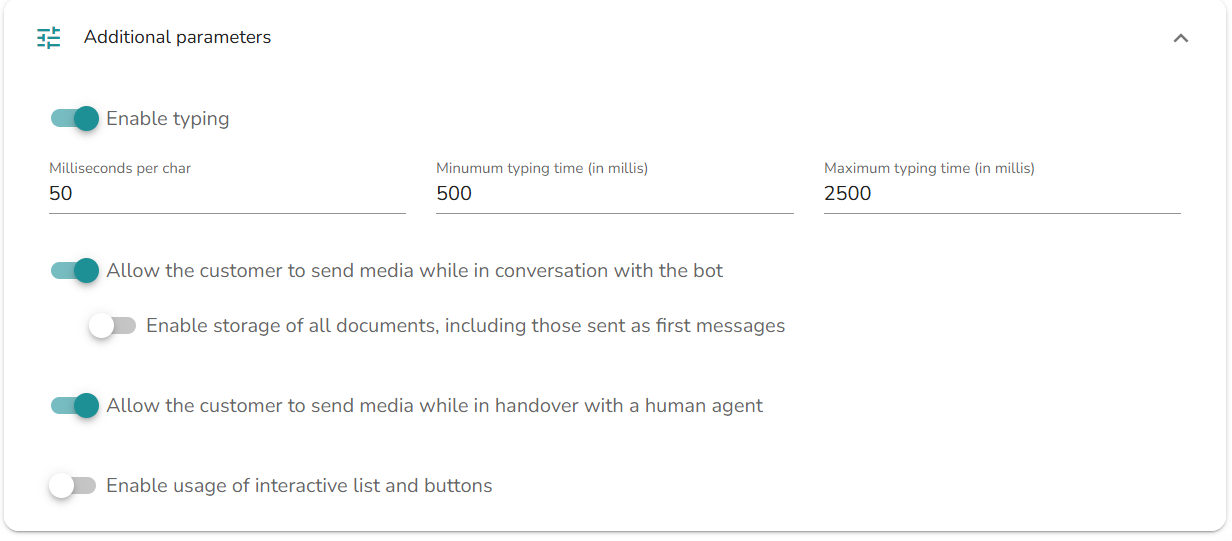
WhatsApp media sharing controls - ConvyAI now gives service administrators clearer control over whether end users can send images, videos, or files on WhatsApp - separately for the bot phase and for conversations with human operators. Two new configuration flags are available and both default to enabled, so existing behavior remains unchanged unless you decide to restrict media sharing. When media sharing is disabled, user attachments are blocked and handled through the configured "unsupported/error" messaging, helping you enforce channel policies while keeping the conversation flow consistent across chat history and reporting.
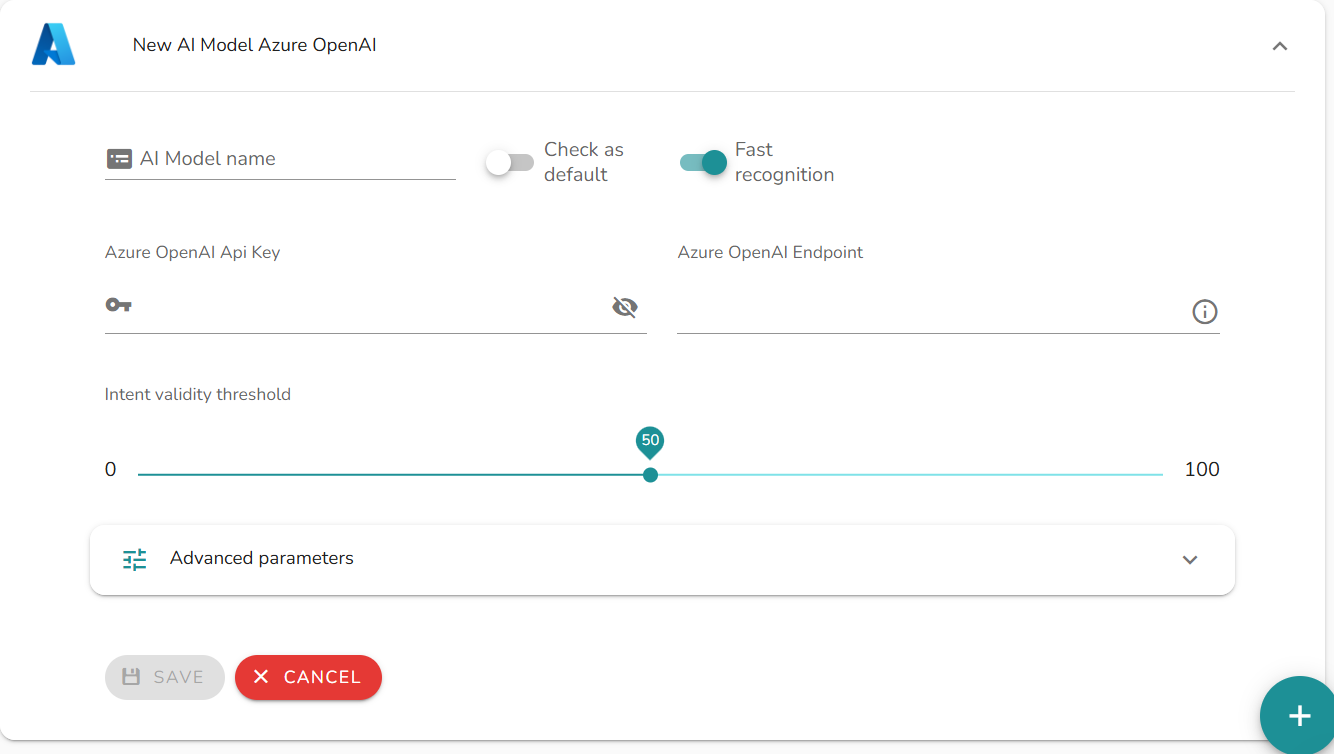
Azure OpenAI models - You can now register OpenAI models hosted on Azure directly in AI Models, using a dedicated Azure OpenAI provider option that guides you through the required setup. Once configured, you can manage the model just like existing ones - apply the usual base settings (recognition options, minimum score, inference parameters) and choose the prompt version (only V3 is available for Azure OpenAI), then save to immediately see the new model in your list. In the model's Edit page, you can also define intents and entities and run an interactive test: type an example sentence to view the live response, and any configuration errors are shown clearly to support fast troubleshooting. See Azure OpenAI for details.
Azure OpenAI in ConvyAI - The platform now supports Azure OpenAI across the main Generative AI features, so you can design end-to-end experiences on top of Microsoft's LLM stack. Flow designers can run the AI Agent node on Azure OpenAI models, using static or variable-based inputs, applying node-level Prompt settings (with validation and variable substitution), and leveraging the AI Agent's memory, MCP servers, JS tools, and - when available - vision-capable deployments. In addition, Azure OpenAI embedding models can be used to index Knowledge Bases, and the Knowledge Base node can query those KBs with Azure OpenAI as the answering model, enabling conversational experiences grounded on content stored and vectorized through Azure OpenAI.
Fixed an issue in ConvyAdmin Contact Center Statistics where 30-minute aggregations could display partial counts instead of the full total for the interval (e.g., showing only the first 15 minutes).